
Introduction
You may have seen the option to collate in the print settings if you’ve ever used a printer at home or at work. But a lot of people want to know what collate means while printing. What does this option do and does it change the sequence of the pages that are printed
In this thorough and easy to understand explanation we will go over what collate means in printing why it is important how to use it and its pros and cons This article is written so that both beginners and experts can grasp it. It will help you fully understand the option and make your printing experience better.
What Does Collate Mean When Printing
The straight answer to the question What does collate mean when printing
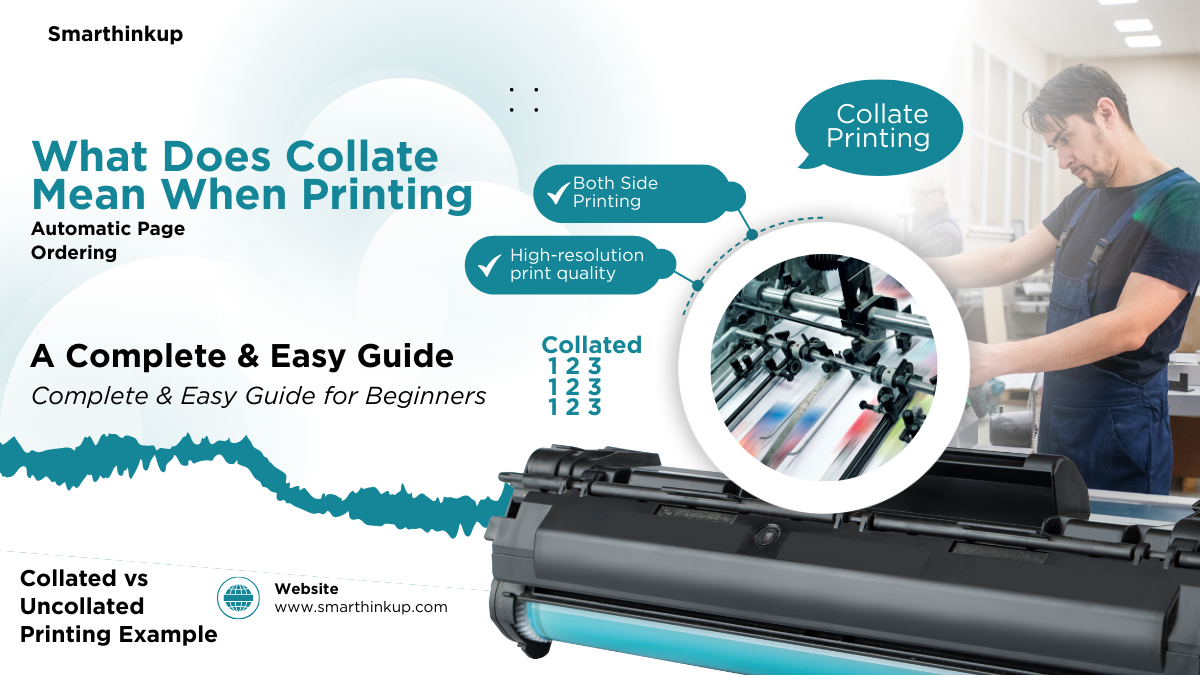
When you print several copies of a multi page document collation implies putting the printed pages in the right order automatically.
A simple example to show ?
Let say you have a document with three pages and you want to print three copies of it
When the Collate option is enabled:
The result will be as follows
Version 1 1 2 3
Version 2 1 2 3
Version 3 1 2 3
When Collate is deactivated:
The end result will be
Three times on page 1
Three times on page 2
Three times on page 3
You will have to sort the pages by yourself here.
Why is collate important in printing?
Now that we know what collate implies when printing it is crucial to grasp why this choice is useful.
1. Saving time
It can take a long time to manually arrange the pages of long papers when you print them out in many copies. You don’t have to do this if you choose Collate.
2. Reducing errors
Ordering pages by hand might cause mistakes including putting pages in the wrong sequence. This problem is lessened by automatic page ordering.
3. Ideal for presentations and reports
Collate makes every copy ready to be sent out right away if you are printing reports research papers or training manuals.
4. Greater professionalism
Copies that are properly formatted provide your business or organization a professional look.
How to use the Collate option when printing
You can’t fully understand what collate implies when printing until you know how to use it in real life.
The general method in most operating systems:
Open the file you wish to print.
Press Ctrl + P or Print.
Find the Collate option in the window for print settings.
You can choose to select or unselect it.
Pick how many copies you want.
Click on Print.
In large office printers:
You may normally find the Collate option in the advanced settings or in the Finishing or Output Settings section.
When should Collate be used
When to use Collate
When you print reports with more than one pag
When you print out presentations
When making training materials
When making books or booklets
When you turn in homework in more than one copy
You don’t need to turn this option on if you have simply printing one page.
Advantages of using Collate in printing
Let’s go over the most significant aspects now that we know what collate means when printing.
Automatic organization
You don’t have to move documents around by hand.
Saves time and effort
Very helpful when you need to print a lot of copies.
Reduces the likelihood of errors
All of the copies are ready and done.
Ideal for office use
Important for colleges and business schools.
Disadvantages of the Collate option
There are some things to be mindful of even though it has benefits.
It may be slower on some printers.
When the sorting function is turned on some older printers take longer.
Increased memory consumption.
The printer may need additional memory when printing big files.
Not always necessary.
There isn’t really any point in it if you have only printing one page.
Common mistakes when using Collate
Not remembering to turn on the option while printing reports.
Collate and duplex printing on both sides might be confusing.
Not checking how many copies you need before printing.
Choosing Collate for no reason which makes printing take longer.
Does collate affect print quality
No the answer is no.
The Collate option doesn’t change
Quality of ink
Resolution of the print
Size of the font
Formatting documents
When printing more than one copy it just changes the order of the pages.
The difference between collate and duplex printing
A lot of people mix up the two words
Collate
Order of pages in each copy
Duplex
Printing on both sides of the page
You can combine both options together to make a nice document that is printed on both sides
Quick summary
If you have still not sure what collate implies while printing the short answer is
When you print a multi page document numerous times you may choose to have the pages automatically arranged. This makes sure that each copy is complete and ready without you having to do it yourself.
Conclusion
In the end knowing what collate implies while printing can help you operate your printer more professionally and effectively. This choice is easy but very important when working with papers with more than one page.
Using collate saves time keeps your documents neatly structured and keeps mistakes from happening whether you have a student employee or a business owner.
You can now use the collate option in all of your future printing with confidence after reading this full instruction.
If you work in an office or school giving people this option can make a big difference between a messy pile of papers and a well organized space.
Have you ever used collate Now you know what it means and how to use it to your advantage.







Leave a Reply